MyBenchmarks
Every benchmark you have ever run, for every device you own, in one place — and a straight answer to which machine is actually fastest.
Currently in TestFlight beta. Not yet on the App Store — if you would like to try it, write to info@flibberwock.de.
What it does
Sees the whole picture
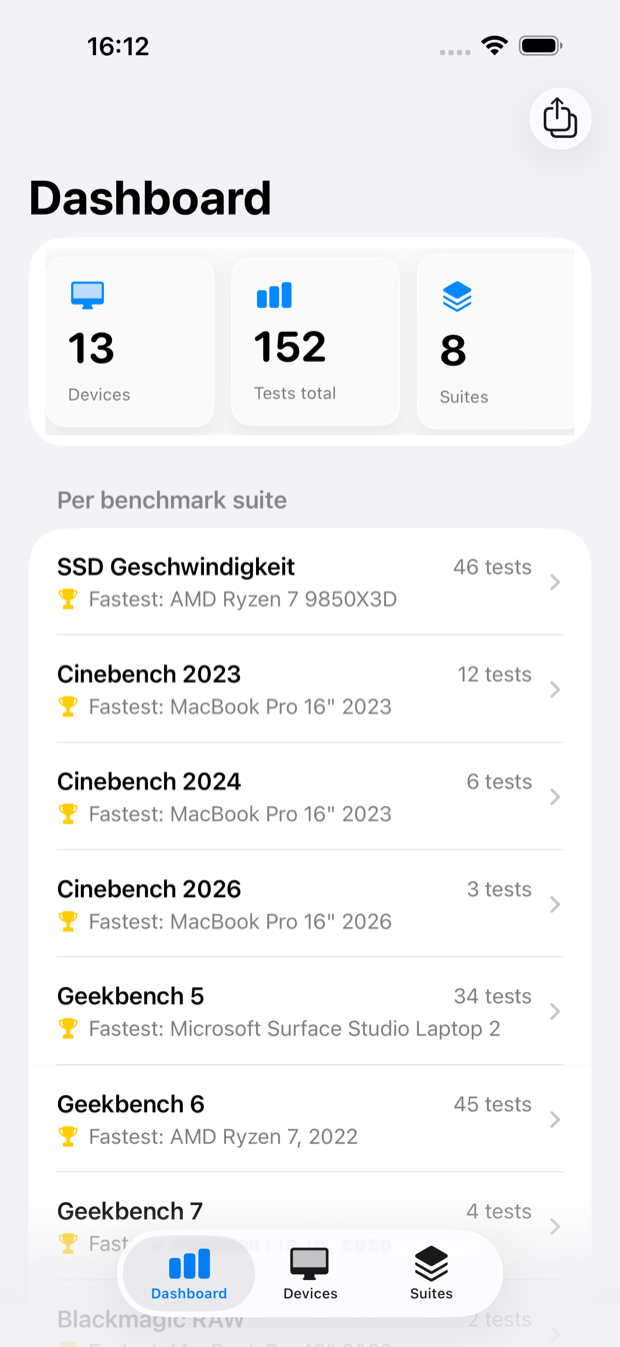
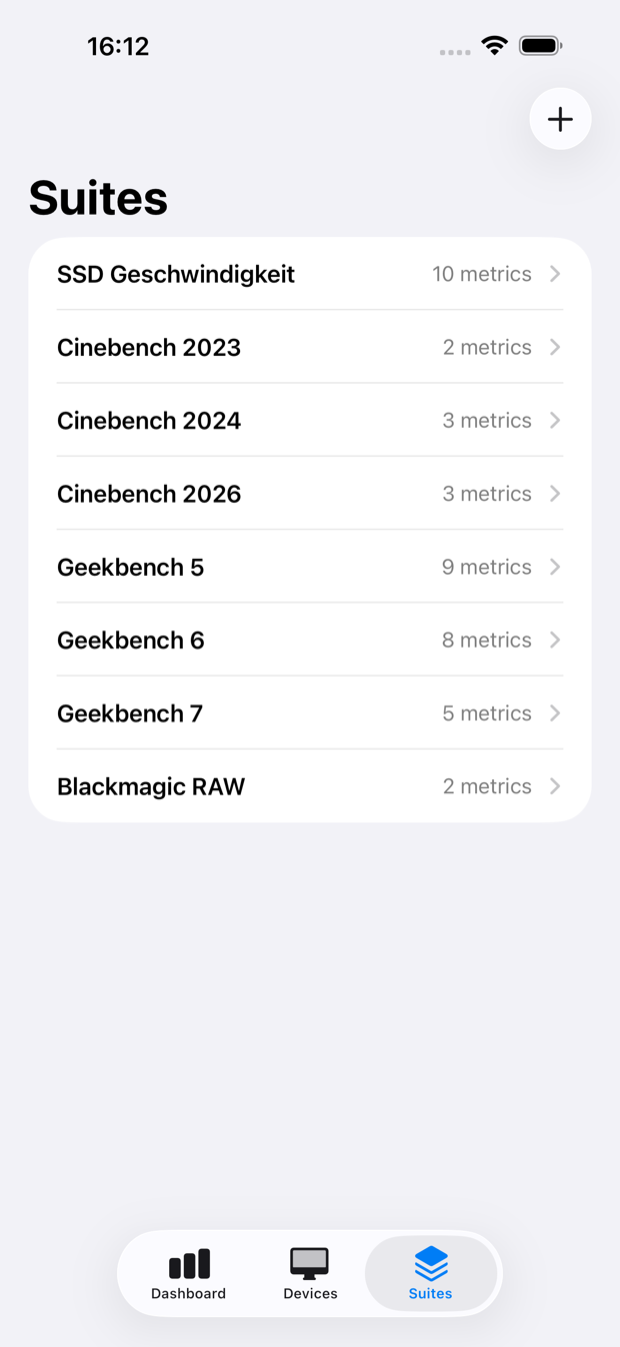
Totals at a glance, then a breakdown per suite showing how many results you have recorded and which device leads.
Knows what "fastest" means
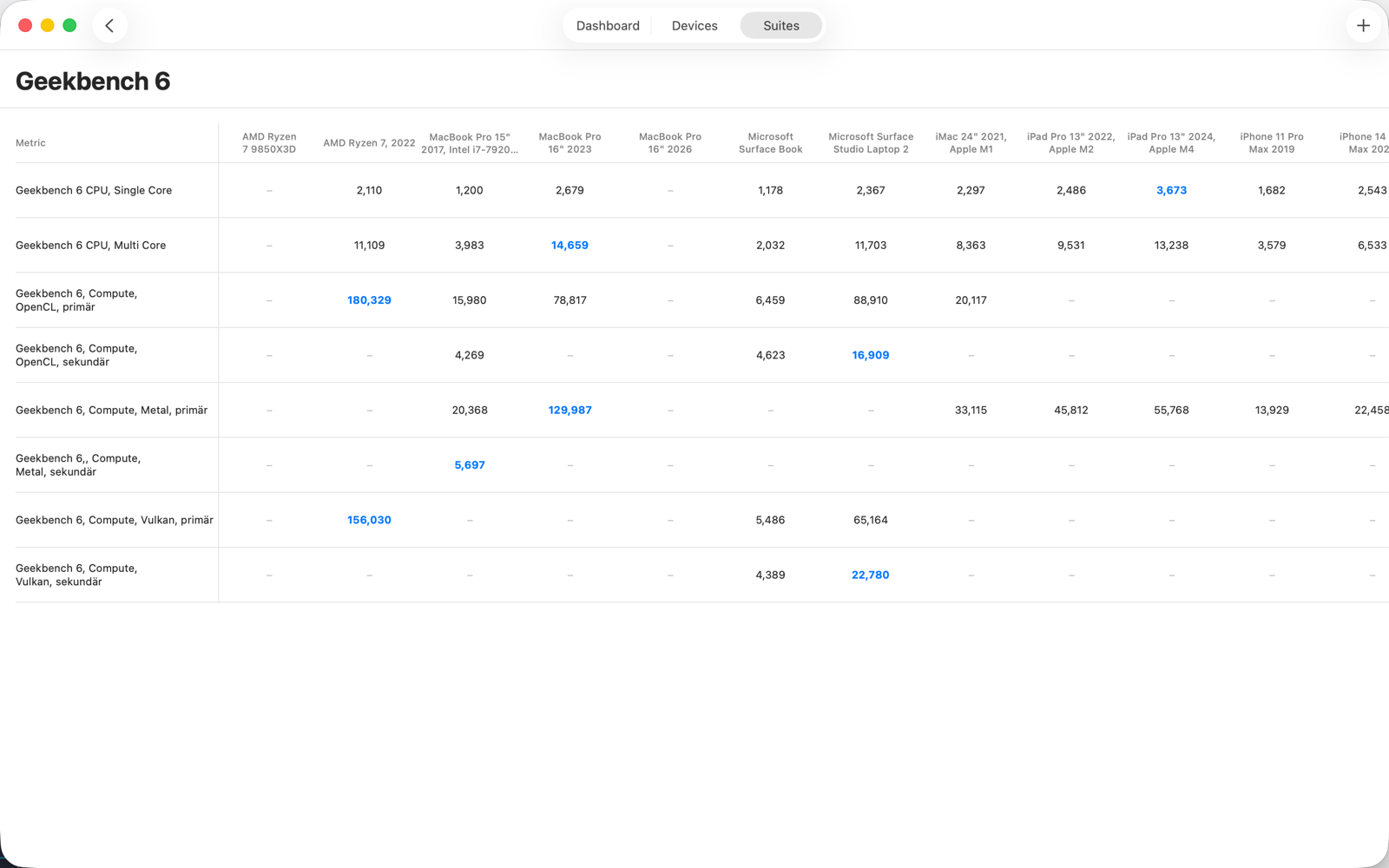
The leader of a suite is the device that tops the most of its individual metrics — not whichever machine happens to win one lopsided score.
Compares side by side
A scrollable matrix of metrics against devices, with the best value in every row highlighted. Tap any cell to record or correct a result.
Keeps the specs with the scores
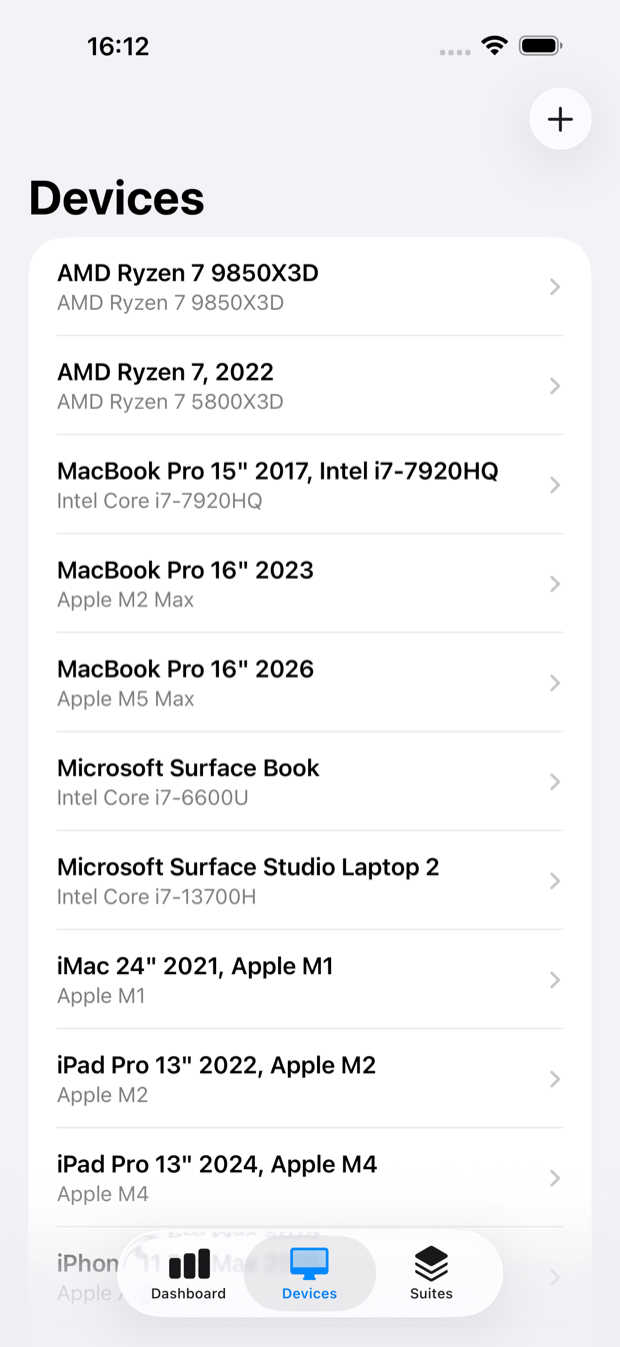
CPU, cores, memory and year live on the device itself, so a number from three years ago still says what hardware produced it. Graphics cards are recorded in their own right — maker, video memory, year — and a card fitted to more than one machine is described once.
Reads your spreadsheet
Import and export a Numbers-compatible CSV, or JSON for a lossless backup. Importing adds and updates without ever quietly dropping what you already had.
Speaks English and German
Both languages throughout, with scores formatted the way your device expects them.
What’s new · Neu in dieser Version
What’s new
1.0 (4) · 31 July 2026
- Import and export JSON. A lossless backup that keeps everything a CSV cannot, including the unit of every metric.
- Replace on import. Restore the app to exactly what a file contains, instead of only merging into what is already there. It counts what would be deleted, and what the file cannot carry, and asks before doing any of it.
- Renaming no longer confuses an import. Devices, suites and metrics now keep a stable identity, so a file exported before a rename still matches up afterwards rather than arriving as a duplicate.
Neu in dieser Version
1.0 (4) · 31. Juli 2026
- JSON importieren und exportieren. Eine verlustfreie Sicherung, die alles behält, was eine CSV-Datei nicht mitnehmen kann — einschließlich der Einheit jeder Metrik.
- Ersetzen beim Import. Den Stand exakt aus einer Datei wiederherstellen, statt sie nur mit dem Vorhandenen zusammenzuführen. Vorher wird gezählt, was gelöscht würde und was die Datei nicht mitbringt — und nachgefragt.
- Umbenennen bringt den Import nicht mehr durcheinander. Geräte, Suites und Metriken behalten jetzt eine feste Kennung. Eine vor dem Umbenennen exportierte Datei passt dadurch weiterhin, statt als Dublette anzukommen.
| Version | Date · Datum | Changes · Änderungen |
|---|---|---|
| 1.0 (4) | 31 July 2026 | JSON import and export, replace on import, stable identities for devices and suites. JSON-Import und -Export, Ersetzen beim Import, feste Kennungen für Geräte und Suites. |
| 1.0 (3) | 30 July 2026 | No changes to the app itself — a test of the automated release process. Keine Änderungen an der App selbst — ein Test des automatisierten Release-Ablaufs. |
| 1.0 (1) | 29 July 2026 | First beta: dashboard, devices, the comparison matrix, CSV import and export, English and German. Erste Beta: Dashboard, Geräte, Vergleichsmatrix, CSV-Import und -Export, Englisch und Deutsch. |
Your data stays yours
MyBenchmarks has no account, no analytics and no server of its own. Everything you enter is stored on your own device and synced across your devices through your personal iCloud account — the developer has no access to it and no copy of it. Not signed in to iCloud? The app works exactly the same and syncs nothing. There is nothing to sign up for and nothing to opt out of.
Support
Questions, bug reports and feature requests are all welcome at info@flibberwock.de.
Requires iOS or macOS 26.5 or later. Universal — one app for iPhone, iPad and Mac.